
CrabbyConsole
A feature-packed, easy to use dev console, made for your Godot 4.6+ game.
-
Easy install
Copy a single folder to your game, tick a box, and you're ready to go.
-
Easy syntax
If you know GDscript, you already know how to use it.
-
Fully customizable
Add custom commands with a single line of code.
-
Deep introspection
Inspect every aspect of your game, ranging from nodes to resources, and watch any variable and expression in your game. Connect to signals and watch them being emitted in real time.
-
Analyze performance
Observe performance metrics like FPS, frame time, memory usage, VRAM usage, disk usage, and many more.
-
Made for experimentation
Run arbitrary GDScript in real time to debug your game or brainstorm new gameplay ideas, without restarting.
-
Remote console
Run commands remotely, potentially from another device; debug your game while it's running on another computer.
-
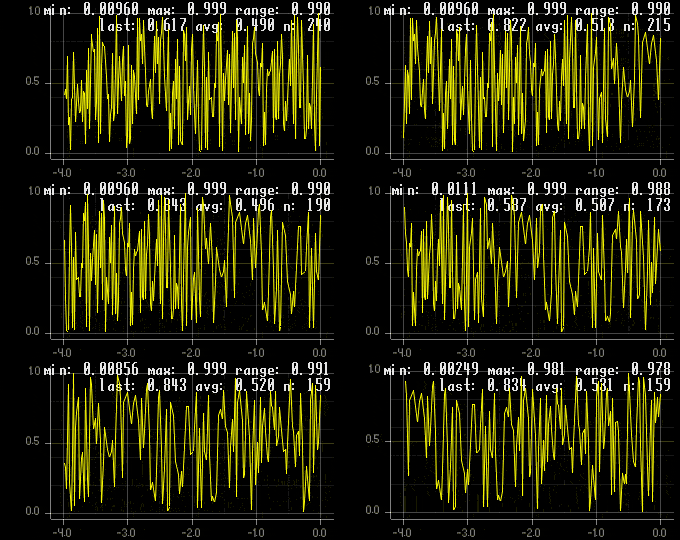
Plotting and debug drawing
Plot any expression and draw lines, rectangles, circles, text, etc in both 2D and 3D.
-
Smart autocomplete
Get smart suggestions while you type, depending on context (node names, resources, etc).
-
History search
Search through previously typed commands; no need to remember pesky long commands!
-
Written in Rust
[insert obligatory "blazingly fast
 " here]
 -
Open Source (MIT/Apache2)
CrabbyConsole is open source (MIT/Apache2), its source code is available on GitHub.